

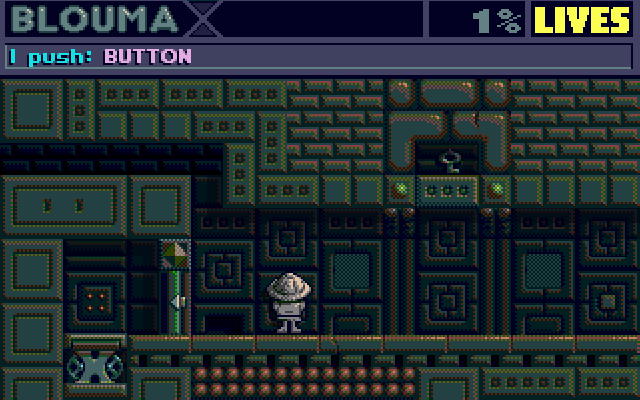
 room 000/: button on left side
/page
room 000/: button on left side
/page 1/9
1/9

START
INTRO
READY
ROOM 000
ROOM 001
ROOM 002
ROOM 010
ROOM 011
ROOM 012
ROOM 020
ROOM 021
ROOM 022
PART TWO

BACKSTAGE

to be continued from <<< ROOM 001
You go to left and press (CTRL key) button on wall in backround.
This action switch button on right side of wall to visible posittion (OFF) and flat up partly push into wall in background.
page 01 / button on left side
page 02 / button on right side
page 03 / button in middle
page 04 / door on left side
page 05 / left lift down
chapter continue on next pages